How to Optimize Your Google Business Profile for More Local Customers
How to Optimize Your Google Business Profile for More Local Customers
If your business wants to appear in Google Search and Google Maps, your Google Business Profile is one of the most important marketing tools you have.
Many customers search online before deciding where to shop, eat, or schedule a service. A complete and well-managed profile helps them find your business quickly and gives them confidence to choose you over competitors.
What Is a Google Business Profile?
A Google Business Profile is a free business listing that displays important information directly within Google Search and Google Maps.
Your profile can include:
- Business name
- Address
- Phone number
- Website
- Hours of operation
- Photos
- Products
- Services
- Reviews
- Posts
- Questions and answers
A complete profile helps Google understand your business and provides customers with the information they need before contacting you.
Complete Every Section
One of the biggest mistakes businesses make is leaving parts of their profile unfinished.
Make sure you complete:
- Business description
- Primary category
- Secondary categories
- Business hours
- Holiday hours
- Website link
- Appointment link
- Services
- Products
- Attributes
- Service areas
The more complete your profile is, the more useful it becomes for both Google and potential customers.
Upload High-Quality Photos
Businesses with fresh, professional photos often receive more engagement.
Include:
- Exterior photos
- Interior photos
- Team members
- Products
- Services
- Before-and-after projects
- Store displays
Continue adding new photos regularly to keep your profile active.
Collect Customer Reviews
Customer reviews influence both rankings and buying decisions.
Encourage satisfied customers to leave honest reviews and respond to every review professionally.
Thank customers for positive feedback and address concerns respectfully when responding to negative reviews.
Publish Google Posts
Google Posts allow you to share updates directly on your Business Profile.
Great post ideas include:
- Promotions
- New products
- Company updates
- Events
- Holiday hours
- New services
- Helpful tips
Posting consistently shows customers your business is active.
Keep Your Information Accurate
Review your profile regularly to ensure that your:
- Address
- Phone number
- Website
- Business hours
- Categories
- Services
are always accurate.
Incorrect information can confuse customers and reduce trust.
Monitor Performance
Google provides valuable insights showing how customers interact with your profile.
Track:
- Phone calls
- Website visits
- Direction requests
- Search terms
- Photo views
- Customer actions
Use this information to improve your marketing strategy.
Final Thoughts
A well-managed Google Business Profile helps customers find your business, builds trust, and improves your visibility in local search results.
Keeping your information accurate, responding to reviews, publishing updates, and adding fresh photos can make a significant difference over time.
Businesses that actively manage their profiles are often better positioned to attract local customers and stand out from competitors.
Featured Image Idea
Since this is for your own Learning Center, I'd recommend creating a branded cover image instead of using generic stock photos.
Design concept:
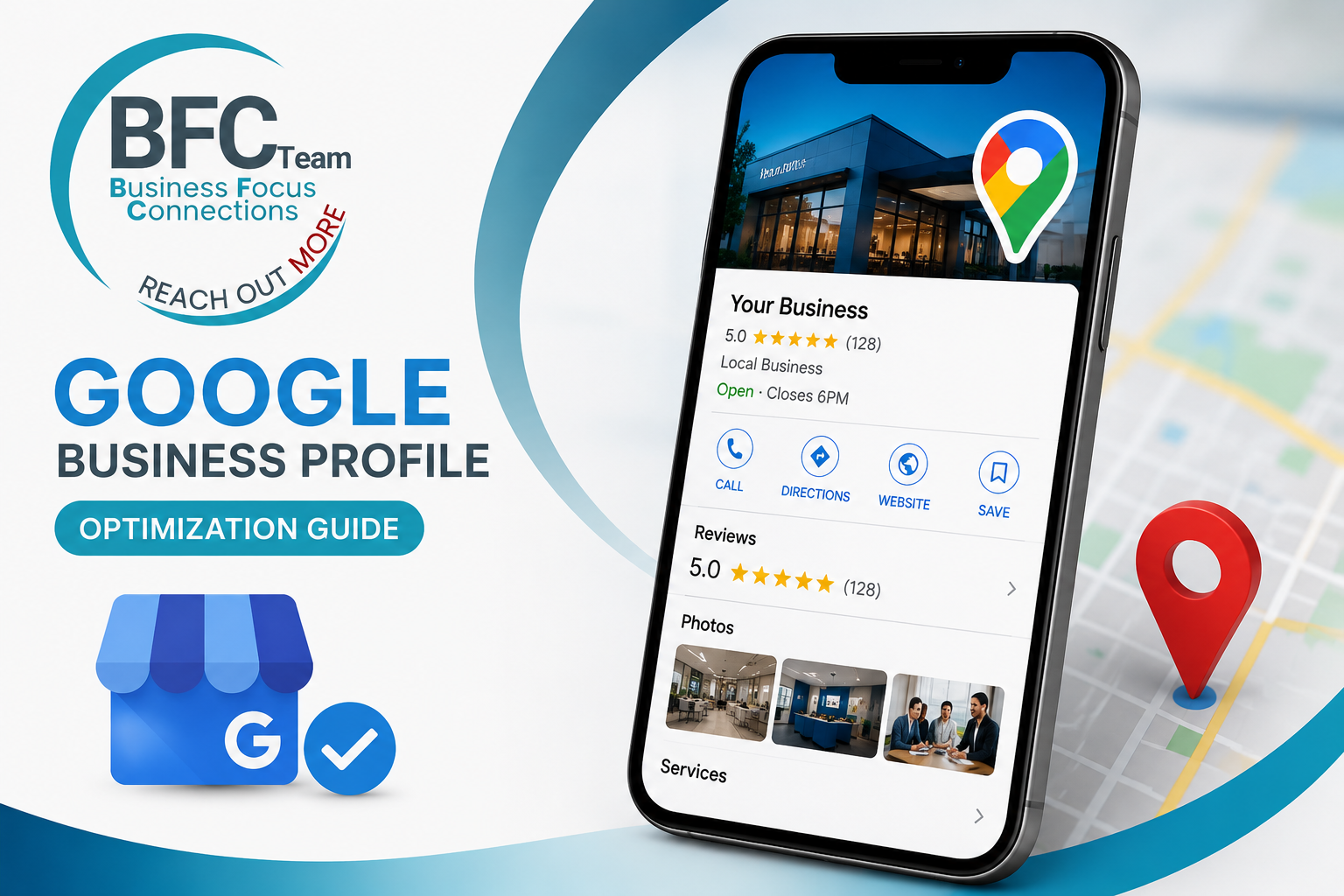
- Your BFC Team / Reach Out More logo in the upper-left
- A modern smartphone displaying a Google Business Profile
- Google Maps location pin
- Blue/teal color scheme matching your brand
- Very little text:
- Google Business Profile
- Optimization Guide